A print ratio describes the proportional relationship between an artwork’s width and height. If your digital file and frame have the same ratio, the design can be enlarged or reduced without changing its composition. If the ratios differ,…
A print ratio describes the proportional relationship between an artwork’s width and height. If your digital file and frame have the same ratio, the design can be enlarged or reduced without changing its composition. If the ratios differ, part of the artwork must be cropped, empty borders must be added, or a mat must be used. For example, 8×12 and 12×18 are both 2:3, while 8×10 is 4:5.
Key takeaways
- Record the intended print size and the visible mat opening separately; also measure the outside frame for wall placement.
- Select the file with the same ratio as the final print whenever possible.
- A larger file is useful only when it has enough real pixel detail for the intended output.
- “Fit” may add borders; “fill” may crop. Always inspect the print preview.
- A-series paper uses a different proportion from common US inch-based frames.
- The ratio controls composition; pixel dimensions control available raster detail.
What does a print ratio mean?
The ratio is written as width:height for a portrait file. A 2:3 portrait is two units wide for every three units high. Inches, centimeters, millimeters, or pixels can all express the same relationship.
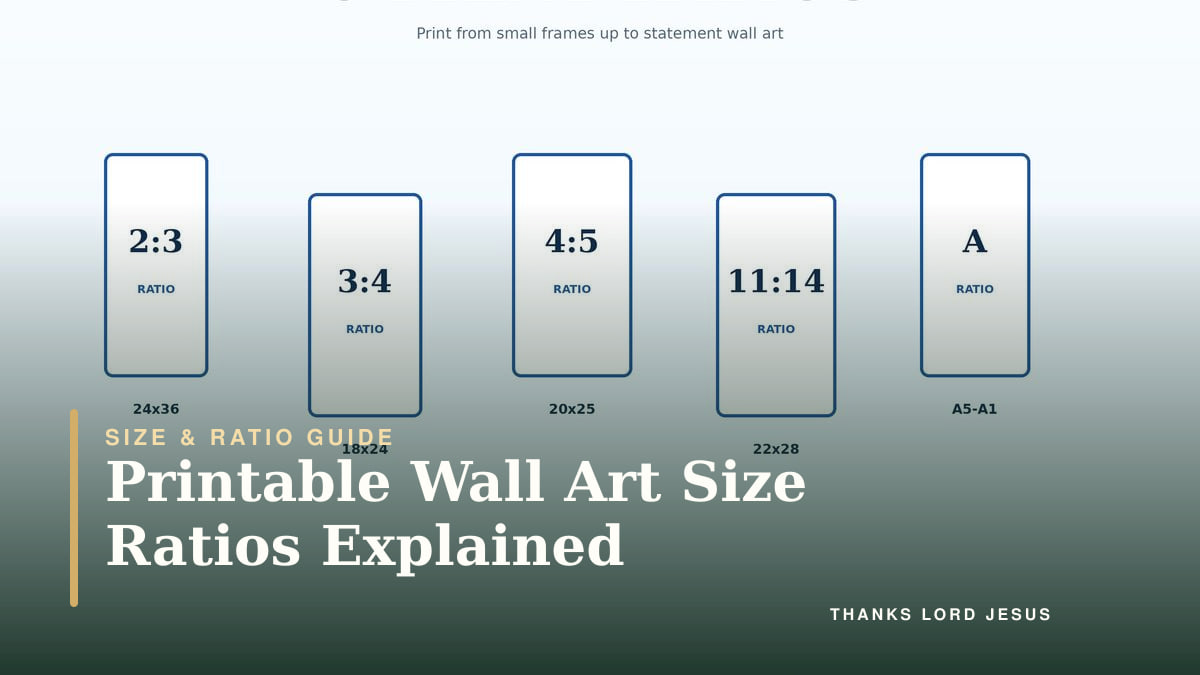
These sizes are all 2:3:
- 4×6 inches
- 8×12 inches
- 12×18 inches
- 20×30 inches
- 4000×6000 pixels
Each pair reduces to the same fraction. A 12×18 print becomes 2×3 when both numbers are divided by six, so the composition can scale without cropping.
A 12 × 18-inch portrait print has a width-to-height ratio of 2:3; an 18 × 12-inch landscape print has a ratio of 3:2. These are the same rectangular proportions rotated, but rotating the file also rotates its words and image—it does not create a new landscape composition. Use an included file with the correct layout, or preserve the complete image with suitable borders or a mat. Do not stretch the artwork.
Ratio and size are not the same thing
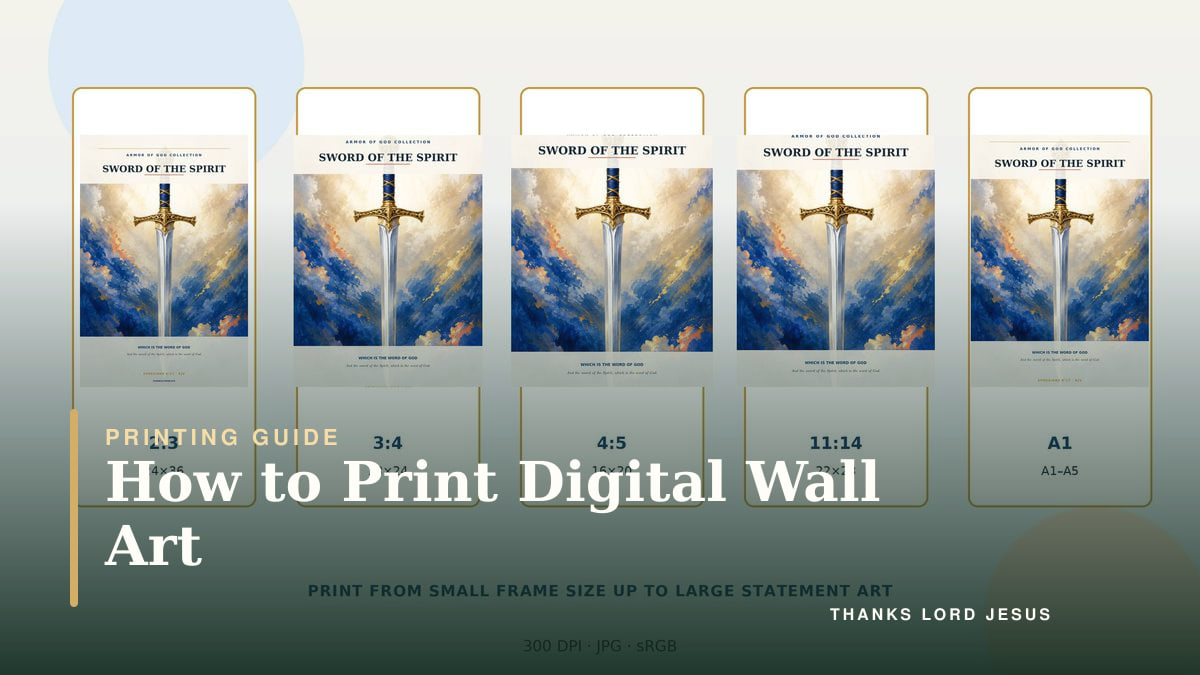
Size is the physical output: 8×10 inches, A4, or 30×40 centimeters. Ratio is its shape. One high-resolution 4:5 master can support 8×10, 12×15, and 16×20 outputs if it has sufficient pixels.
Ratio does not guarantee quality. A 400×600 pixel image is 2:3 but too small for a detailed 20×30 print. Ratio governs fit; pixels govern available raster detail.
Common printable wall art ratios
2:3 ratio
The 2:3 family is common for photography and taller poster formats.
| Inches | Centimeter equivalent, approximate |
|---|---|
| 4×6 | 10×15 cm |
| 8×12 | 20×30 cm |
| 12×18 | 30×45 cm |
| 16×24 | 40×60 cm |
| 20×30 | 50×75 cm |
| 24×36 | 60×90 cm |
Centimeter values are common nominal sizes, not always exact inch conversions. Use the actual dimensions requested by the printer or frame.
3:4 ratio
The 3:4 family is slightly wider relative to its height than 2:3.
| Common 3:4 sizes |
|---|
| 6×8 in |
| 9×12 in |
| 12×16 in |
| 15×20 in |
| 18×24 in |
| 24×32 in |
| 30×40 cm |
A 12×16 frame and a 30×40 centimeter frame both reduce to 3:4.
4:5 ratio
The 4:5 ratio is common for classic portrait frames and wall art.
| Common 4:5 sizes |
|---|
| 4×5 in |
| 8×10 in |
| 12×15 in |
| 16×20 in |
| 20×25 in |
| 24×30 in |
| 40×50 cm |
An 8×10 print reduces to 4:5. It is not the same shape as 8×12.
5:7 ratio
The 5:7 format needs a dedicated file; it does not match the families above.
| Common 5:7 sizes |
|---|
| 5×7 in |
| 10×14 in |
| 15×21 in |
| 20×28 in |
Do not use an 11×14 file as a substitute for 5×7. The proportions are close, but not identical.
11:14 ratio
The 11×14 frame has its own shape: exactly 11:14, or approximately 0.786:1 in portrait orientation.
| Common 11:14 sizes |
|---|
| 11×14 in |
| 22×28 in |
In a larger frame, use a mat opening planned around 11:14 to show the entire design.
Square 1:1 ratio
Square designs keep equal width and height. Common sizes include 5×5, 8×8, 10×10, 12×12, 16×16, and 20×20 inches.
Understanding A-series paper sizes
The ISO A-series uses approximately 1:√2, or 1:1.414. Halving a sheet parallel to its shorter side retains the same shape.
| Format | Exact standard dimensions |
|---|---|
| A5 | 148×210 mm |
| A4 | 210×297 mm |
| A3 | 297×420 mm |
| A2 | 420×594 mm |
| A1 | 594×841 mm |
| A0 | 841×1189 mm |
Dimensions are standardized and rounded to whole millimeters. Use an A-series file for A-series paper. A4 is not 8×10 or US Letter; mismatching them can add borders or crop.
Measure the print, mat, and frame separately
Record three different things: the print size the frame is designed to hold, the visible opening, and the outside frame dimensions. They answer different questions. The print size helps you choose a file; the opening shows what will be visible; the outside frame dimensions help you plan the wall.
| Measurement | What it tells you | Example |
|---|---|---|
| Intended paper or print size | The nominal size and ratio to order | An 8 × 10-inch print is 4:5 |
| Visible mat or frame opening | How much of the edges will be covered | An opening may be slightly smaller than 8 × 10 to hold the print behind it |
| Outside frame size | The space the finished piece occupies | A wide mat and frame need more wall space than the print alone |
Do not print exactly to a slightly smaller mat opening by default. The paper needs enough overlap to sit behind it. Check the frame's specified print size, then preview which artwork edges the opening will hide. If a word or border falls under the mat, choose a different mat, frame, or print arrangement before paying.
Reduce the intended print dimensions to identify the ratio: 12 × 18 becomes 2:3; 8 × 10 becomes 4:5; 11 × 14 remains 11:14. A matching ratio preserves shape, but sufficient pixel dimensions are still required for the selected size.
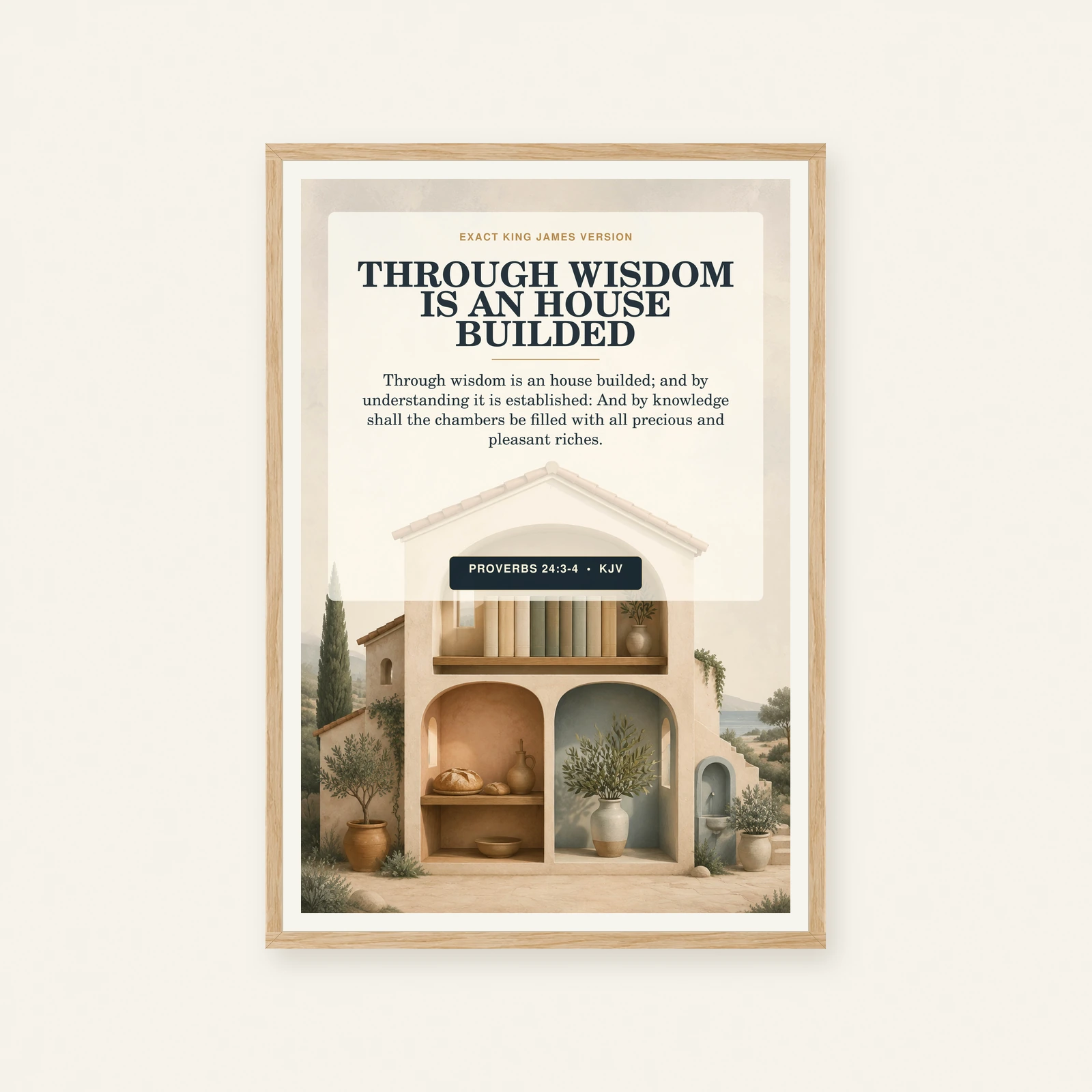
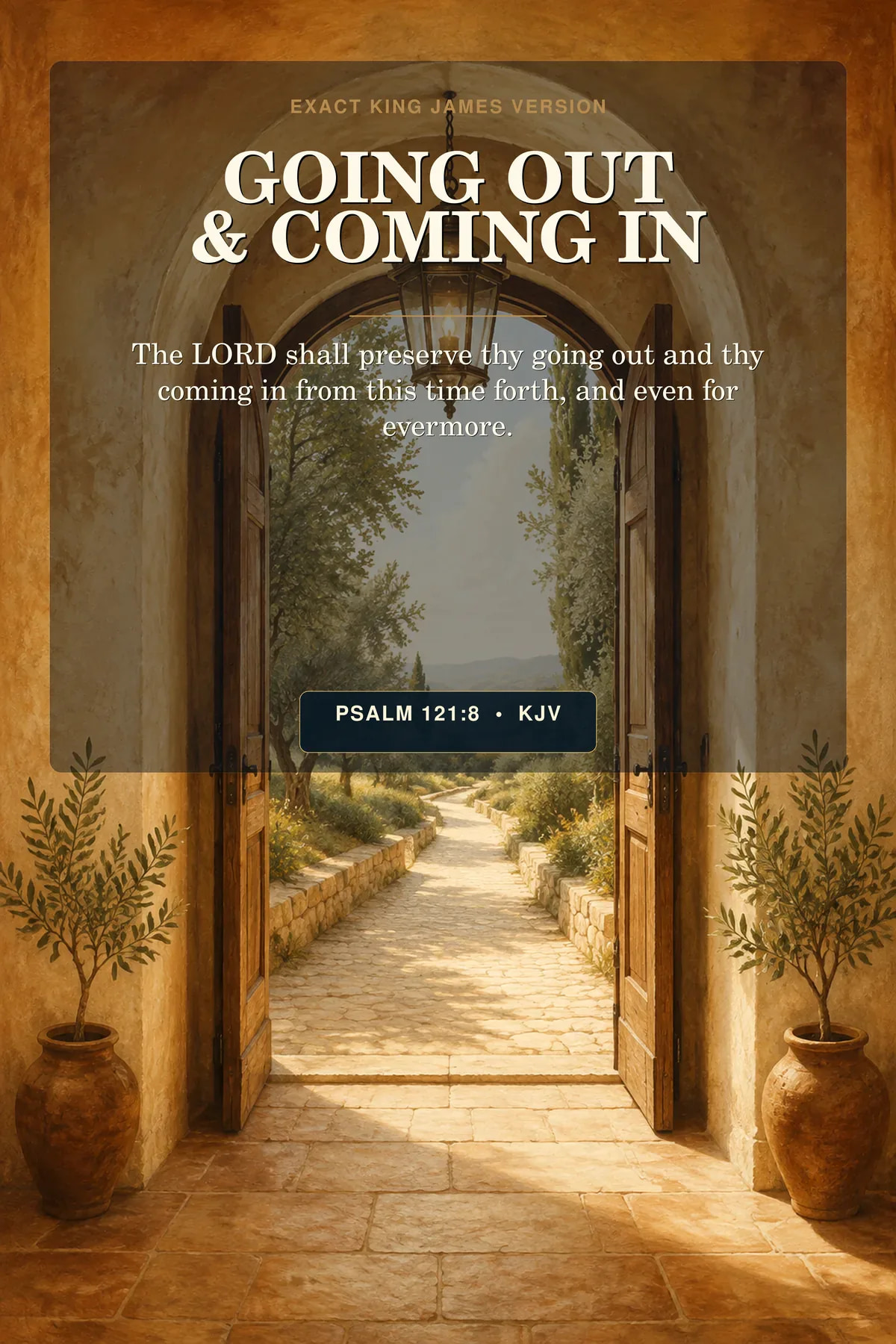
The Frame and Size Worksheet includes a quick ratio table and separate boxes for all three measurements. For examples to plan around, compare Wisdom Builds a House and Going Out and Coming In within Bible Verse Prints. Check the files offered by each product; the table is not a promise that every listing includes every size.
What happens when the ratios do not match?
A 2:3 design is proportionally taller than an 8×10 (4:5) opening. You have three choices.
Crop the image
A portrait 2:3 image filling an 8 × 10-inch 4:5 area loses content at the top and bottom. Other mismatches can remove different edges. Inspect the actual crop preview because Scripture, borders, or illustration details may be lost.
Add borders
The composition stays intact, with blank space on two sides. Planned borders can look intentional; unexpected thin margins usually do not.
Use a mat or custom opening
A mat can bridge the difference and add breathing room. Leave enough print area behind the opening for mounting.
Never stretch the artwork independently in width or height. That distorts typography, circles, figures, and illustrations.
Pixel dimensions and printable size
For raster files such as JPG and PNG, calculate the available pixels per inch at the final size:
pixels on one side ÷ inches on that side = effective PPI
A common close-view target is about 300 PPI:
| Print size | Pixels at 300 PPI |
|---|---|
| 5×7 in | 1500×2100 px |
| 8×10 in | 2400×3000 px |
| 11×14 in | 3300×4200 px |
| 12×18 in | 3600×5400 px |
| 16×20 in | 4800×6000 px |
| 18×24 in | 5400×7200 px |
| 24×36 in | 7200×10800 px |
Large wall pieces may work at lower effective PPI when viewed from farther away. Changing metadata from 72 to 300 does not add detail if pixel count stays the same; resampling cannot create original detail.
Choose the correct file in a multi-ratio download
When a purchase includes several files, names may show the ratio or maximum size. Keep the originals together and:
- Decide the final frame or paper size.
- Find its ratio in the tables above.
- Select the matching master file.
- Confirm that its pixels support your desired size.
- Upload or print without changing the proportions.
- Inspect crop boundaries in the preview.
Choose 4:5 for 8×10 or 16×20, 3:4 for 12×16, and 11:14 for 11×14.
In a coordinated set, inconsistent crops can move verse text and visual centers. See the Fruit of the Spirit collection, or browse all Christian printable collections.
Print-dialog settings that commonly cause problems
Check these print-dialog terms:
- Actual size / 100%: Uses the file’s defined physical size when supported.
- Fit: Keeps the image inside the printable area, possibly adding margins.
- Fill: Covers the paper, usually cropping edges.
- Borderless: Often enlarges slightly, so it may crop.
- Auto rotate: Changes orientation; confirm it is correct.
Printer behavior differs, so inspect the preview and test first. For download or printing help, read the frequently asked questions.
A simple no-crop checklist
Before you print:
- Confirm the frame's intended print size and measure the visible mat opening.
- Identify the intended print's ratio and check which edges the mat will cover.
- Select the matching master file.
- Confirm orientation.
- Confirm pixel dimensions for the output size.
- Turn off any setting that stretches the image.
- Inspect edges, verse text, and borders in the preview.
- Print one small proof when color or crop is uncertain.
Understanding ratios once makes every future printable purchase easier. When the file, print, mat, and frame share a deliberate proportion, the artwork keeps the balance the designer intended.
Explore the full collection directory, then view available digital downloads in the Explore all collections.
Related printable Scripture art
Keep this biblical truth in view.
Frequently asked questions
Questions about this topic
Is 8×10 the same ratio as 16×20?+
Yes. Both reduce to 4:5, so the same 4:5 composition can fit without cropping. The digital file still needs enough pixels for the larger 16×20 output.
Is 12×18 the same ratio as 18×24?+
No. A 12×18 print is 2:3, while 18×24 reduces to 3:4. Moving between them requires cropping or borders.
Can I print an A4 file as 8×10?+
Not without a small composition change. A4 uses approximately 1:1.414, while 8×10 is 4:5. Use a dedicated 4:5 file when available, or accept cropping or borders.
What ratio is an 11×14 frame?+
It is 11:14, approximately 0.786:1 in portrait orientation. It is close to 4:5 but not identical, so a dedicated 11×14 file gives the most predictable result.
Does 300 DPI mean a file can print at any size?+
No. For a raster image, actual pixel dimensions determine how much detail is available. A “300 DPI” metadata label alone does not make a small file suitable for a large print. Divide the pixel dimensions by the intended inches to find effective PPI.
Scripture for your space