Print with confidence

How to size and print your Christian wall art

Use the file that matches your frame, choose a paper that suits the artwork, and avoid stretching or accidental cropping.

From file to wall. 1 Download Save your included files. 2 Print Choose a print size and printing option. 3 Frame Choose a frame for your print. Printing and framing are arranged separately.From file to wall. 1 Download Save your included files. 2 Print Choose a print size and printing option. 3 Frame Choose a frame for your print. Printing and framing are separate.

From file to wall

  1. Download — Save your included files.
  2. Print — Choose a print size and printing option.
  3. Frame — Choose a frame for your print.

Printing and framing are arranged separately.

First step

Check the exact product details.

Products can include different files. Before printing, confirm which ratios and dimensions are included in your purchase. Do not assume every design contains every size family.

Match the artwork ratio to your frame ratio and keep “fit to page” or automatic crop settings turned off unless you have checked the preview carefully.
2:34×6, 8×12, 12×18, 16×24, 20×30, 24×36
3:46×8, 9×12, 12×16, 15×20, 18×24
4:54×5, 8×10, 12×15, 16×20
11:1411×14 and proportional smaller sizes
ISOA5, A4, A3, A2, A1
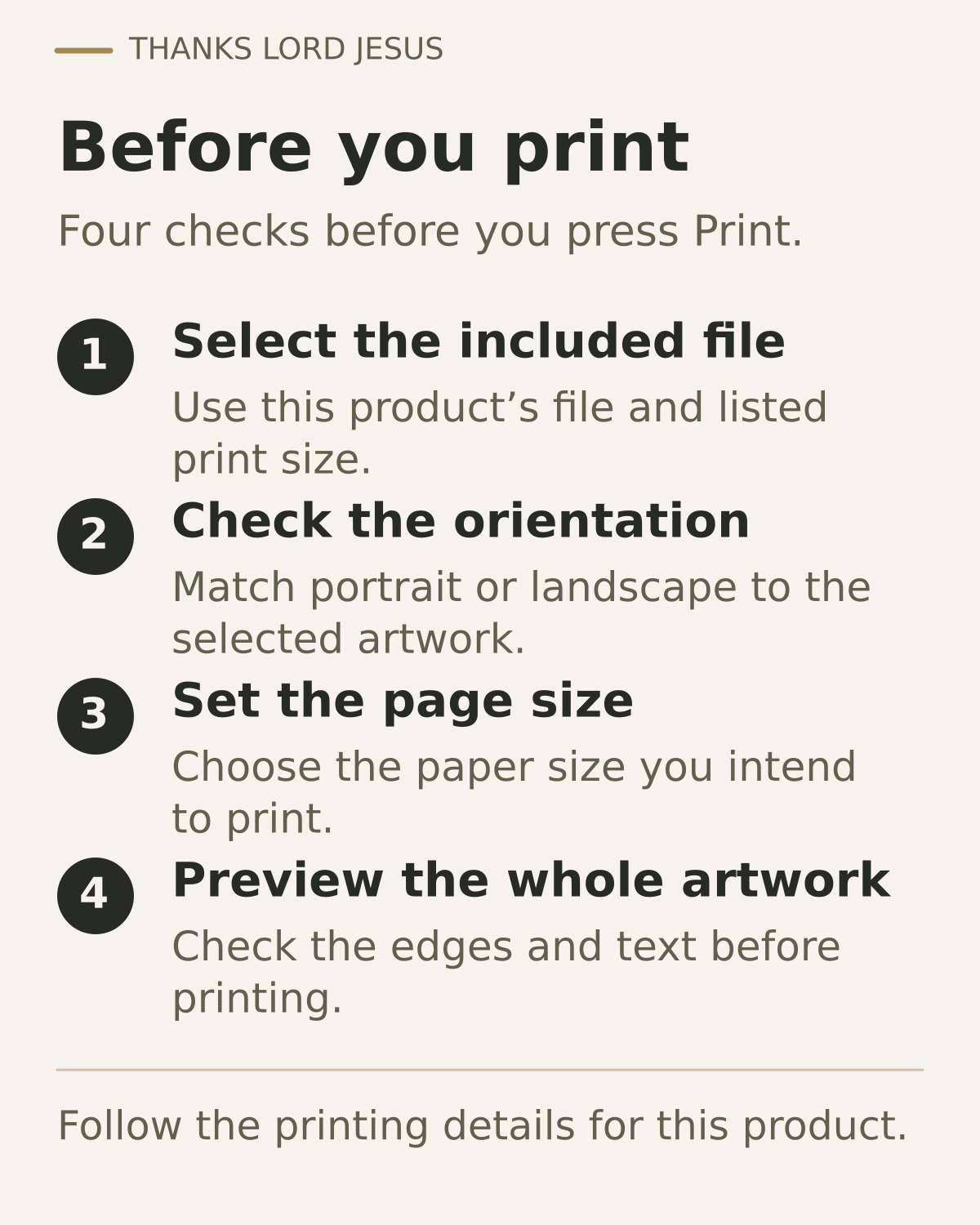
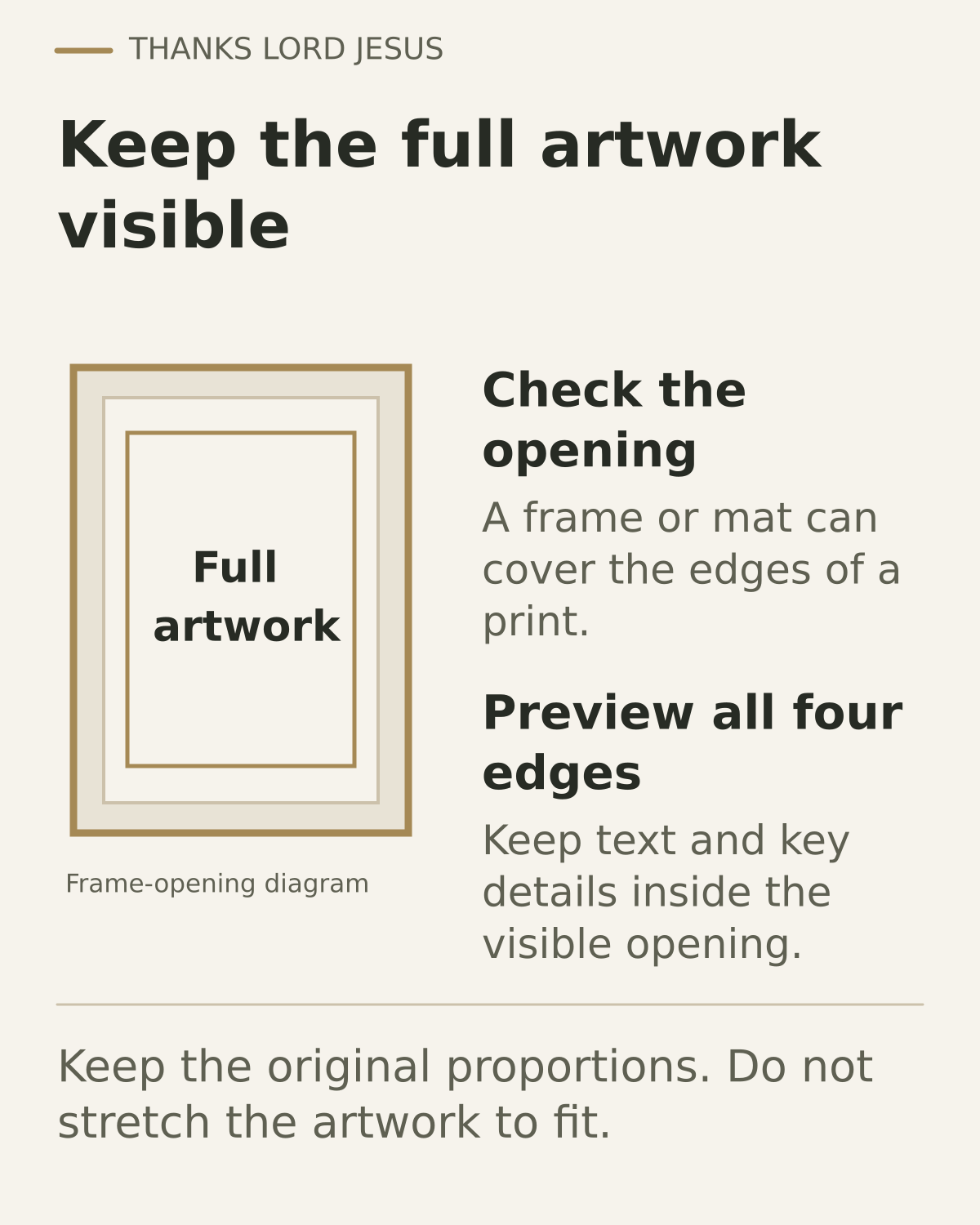
Before you print: check the included files and size, choose a suitable printing option, and check the preview.Keep the full artwork visible. Preserve its aspect ratio and check the edges before printing.

Permission for personal printing

For artwork TLJ is entitled to license for this purpose, you may privately send the purchased print file to a professional print shop or online printing service solely to produce a physical print for personal use within your existing product license. The service must use the file only to fulfill your private printing order. Do not publicly upload the file, sell physical products, or create public POD listings.

Read the limited printing permission and retain any product-specific restrictions. Download the customer printing instructions.
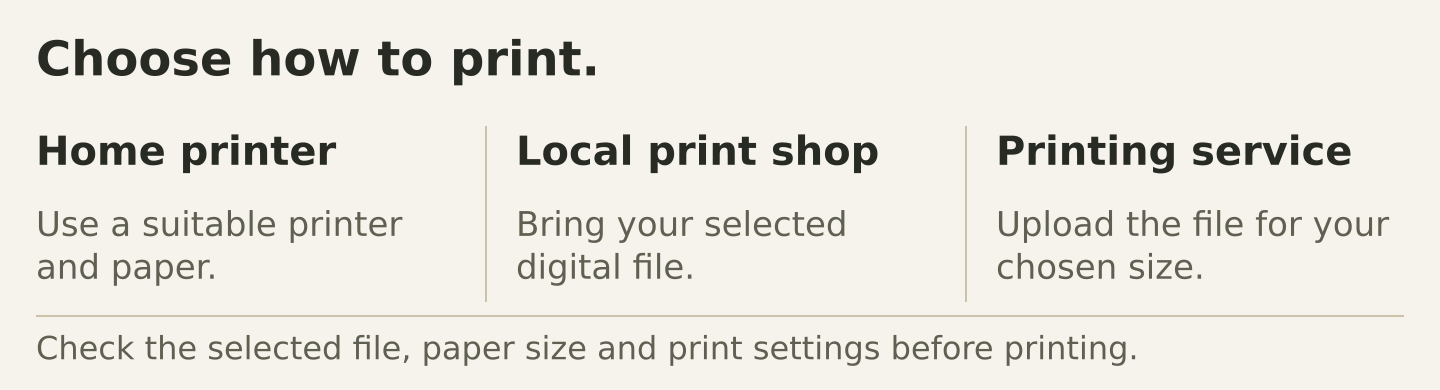
Choose how to print. Home printer Use a suitable printer and paper. Local print shop Bring your selected digital file. Printing service Upload the file for your chosen size. Check the selected file, paper size and print settings before printing.Choose how to print. At home Use a suitable printer and paper. At a local print shop Bring your selected digital file. With a printing service Upload the file for your chosen size. Check file, paper size and settings.

Choose how to print

  • Home printer — Use a suitable printer and paper.
  • Local print shop — Bring your selected digital file.
  • Printing service — Upload the file for your chosen size.

Check the selected file, paper size and print settings before printing.

More printing tips
01

Print at home

Best for smaller sizes and quick decor. Use the highest-quality print setting and heavyweight matte paper.

02

Local print shop

Bring the correct file and tell the shop the final size. Ask them not to stretch or automatically crop the artwork.

03

Online service

Upload the correct ratio, preview every edge, and choose a matte or fine-art paper where available.

Ready to choose your Scripture?

Explore the full range of printable Christian wall art and coordinated sets.

Explore collections
Analytics choice not setMarketing choice not set